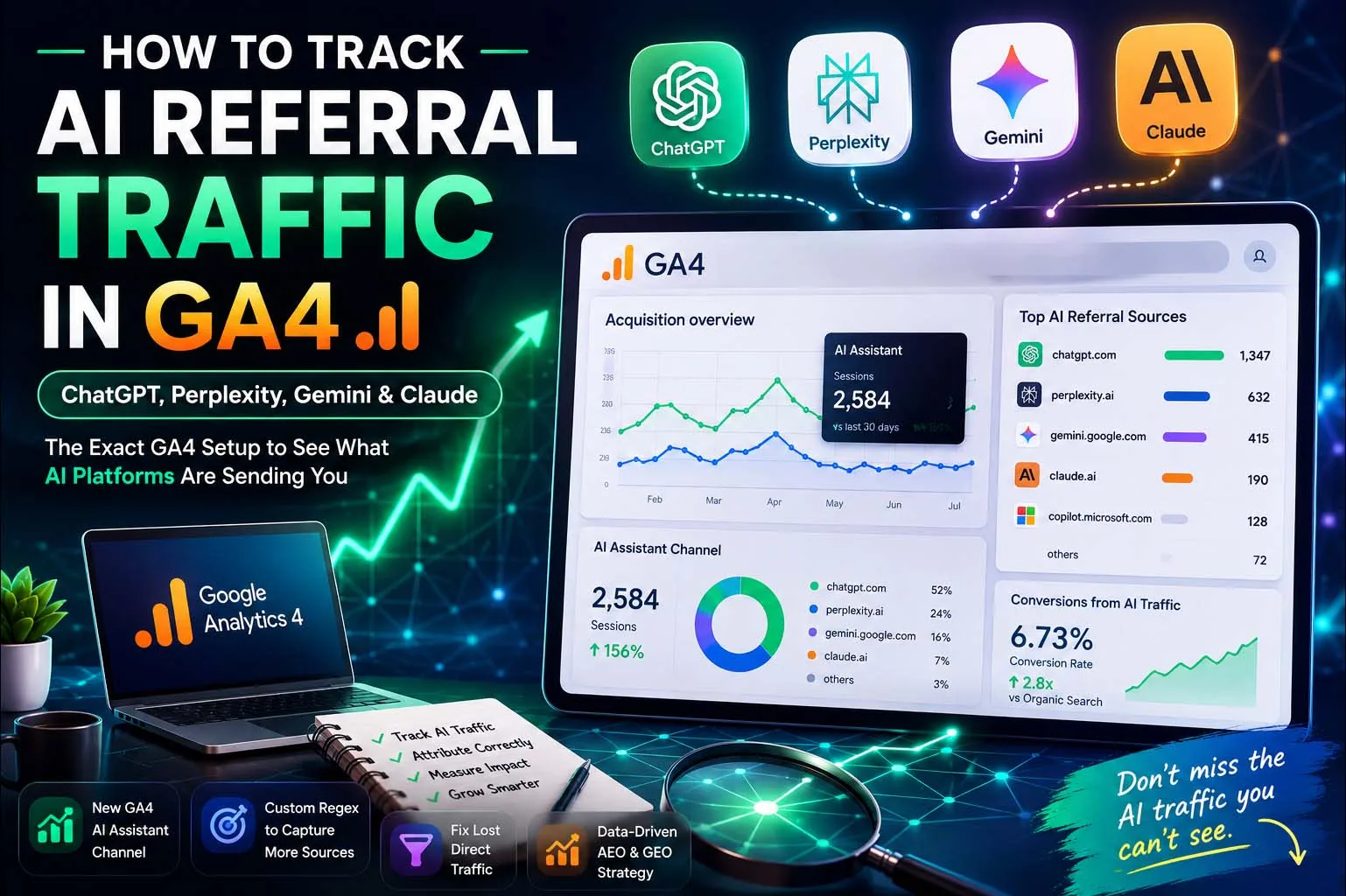
What Is AI Referral Traffic?
AI referral traffic is real human visitors who land on your site after clicking a link inside an AI assistant's answer — someone asks ChatGPT, Perplexity, Gemini, or Claude a question, the assistant cites a source, and the reader clicks through. It's a genuine session, distinct from AI crawler traffic (bots like GPTBot or ClaudeBot fetching your pages to build or ground an answer), which never appears in GA4 at all since GA4 only fires for real browser sessions.
Right now, most of this traffic is quietly miscategorised across Referral, Direct, and Unassigned in the average GA4 property — which means teams are optimising blind for what has become one of the fastest-growing traffic categories in the entire stack.
Why This Matters: The Attribution Gap
That gap matters because of what this traffic is worth. Multiple 2026 analyses — including figures reported by Semrush and Adobe — put AI-referred visitor conversion rates at roughly 4x the rate of average organic search traffic, since these visitors typically arrive already informed by an AI conversation and closer to a decision. Losing visibility into a high-converting channel is a measurement problem with a direct line to budget decisions.
Worth remembering: Google AI Overview clicks are a different thing entirely — GA4 buckets those under standard Organic Search, not AI Assistant. This guide is specifically about third-party AI platforms like ChatGPT, Perplexity, and Claude sending visitors to your site directly.
Method 1: GA4's Native AI Assistant Channel
On May 13, 2026, Google added a native "AI Assistant" channel to GA4's Default Channel Group. When a session arrives with a referrer matching a recognised AI domain, GA4 automatically tags it with the medium ai-assistant and files it under this new channel — no setup required.
Open Traffic Acquisition
Go to Reports → Acquisition → Traffic acquisition.
Set the primary dimension
Change it to Session default channel group. If you've received AI traffic since the channel went live, you'll see "AI Assistant" appear as its own row.
The catch: Google's native channel only recognises three platforms — ChatGPT, Gemini, and Claude. Perplexity and Microsoft Copilot are excluded entirely and stay buried in Referral. It's also not retroactive: the channel only counts sessions from the day it switched on, with no historical backfill.
Method 2: Build Your Own Custom Channel Group
For complete coverage — all five major platforms, plus full historical data — you need a custom regex-based channel group.
Open Channel Groups
Click the Admin gear, then Channel Groups under Data Display.
Create a new channel group
Name it clearly — "AI Traffic (2026)" works well, since you'll want to revisit the regex as new platforms emerge.
Add a channel with a regex condition
Name it "AI Search" and match session source against your AI domain list (see code block below).
Critical: drag it above Referral
GA4 evaluates channel rules in order. If Referral fires first, your AI sessions stay misclassified. Use the handles to drag your new AI Search channel above Referral, then click Apply and Save Group.
chatgpt\.com|chat\.openai\.com|openai\.com|perplexity\.ai|claude\.ai|gemini\.google\.com|bard\.google\.com|copilot\.microsoft\.com|bing\.com/chat|meta\.ai|you\.com
Review this list quarterly — AI platforms ship new domains fairly often, and each one you miss silently undercounts your real AI traffic until you add it.
Finding Historical AI Traffic (Before You Set This Up)
Custom channel groups apply from the date you create them — they don't retroactively reclassify old sessions. To analyse AI traffic from before today:
Open a free-form exploration
Go to Explore → Free-form.
Add Session source as a dimension
Add Sessions and Engaged sessions as metrics.
Filter using your regex
Apply the same AI domain pattern as a filter on Session source. This surfaces AI referral data for any period where the platform passed referrer information, regardless of when you created your channel group.
What to Do With This Data
Once the channel is live, the useful follow-up questions surface on their own:
- Which pages are AI platforms citing? Add Landing page as a secondary dimension in your Traffic Acquisition report — this is the single most actionable finding in the whole exercise, since it shows you exactly what content is earning AI trust.
- Which assistant sends the most engaged visitors? Research-heavy and B2B audiences often skew more toward Claude and Perplexity than their raw traffic volume would suggest, since those tools attract longer, more considered research sessions.
- Is the channel growing month over month? Benchmark it against Organic, Paid, and Social in your standard reporting, the same way you'd track any other acquisition channel.
One important distinction to keep separate in your reporting: AI visibility (whether a tool mentions your brand at all) is a different metric from AI traffic (whether someone actually clicked through). Visibility is useful for reputation tracking, but the traffic number is what ties to engagement and conversions.
Frequently Asked Questions
Partially. Since May 2026, GA4 has a native "AI Assistant" channel that automatically recognizes ChatGPT, Gemini, and Claude when the referrer header is intact. It does not recognize Perplexity or Microsoft Copilot, and it misses a significant share of AI sessions that arrive with stripped referrer data.
Many AI platforms open links in ways that strip the referrer header — through native apps, embedded browsers, or API-based integrations. When GA4 receives no referrer information, it has no way to attribute the session to an AI source, so it defaults to classifying the visit as Direct traffic.
Yes. Multiple 2026 studies report AI-referred visitors convert at several times the rate of average organic search visitors, and the channel is growing consistently quarter over quarter. Even a small volume of high-converting traffic is worth measuring accurately, especially for budget allocation decisions.
AI referral traffic is real human visitors who clicked a link inside an AI assistant's answer. AI crawler traffic (from bots like GPTBot or ClaudeBot) is automated and never appears in GA4, because GA4 is JavaScript-based and only records real browser sessions.
Conclusion
AI referral traffic is still a small slice of total sessions for most sites — but it's the fastest-growing channel in the stack, and it converts well above average. The setup here takes under 30 minutes: enable the native channel for a quick read, then layer a custom regex group on top for complete coverage. Skipping this isn't a small gap — for most properties, it means reporting blind on the exact channel most worth understanding right now.
Want Your GA4 Set Up to Actually Show AI Traffic?
I'll audit your current analytics setup and configure proper AI referral tracking — as part of a free technical SEO and GEO consultation.
Start a Free Consultation