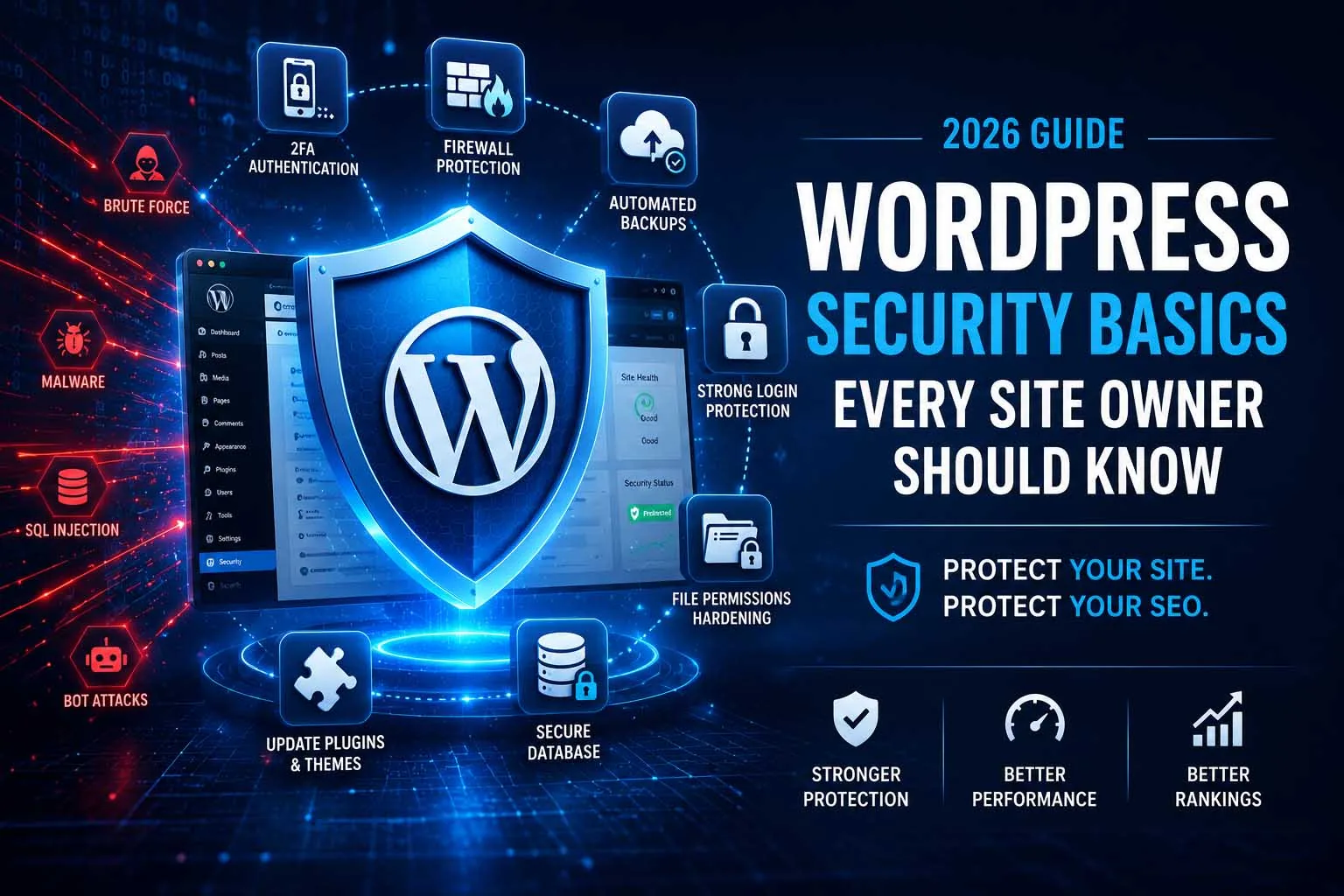
Part of the Website Security Checklist for SEO series. This post is the WordPress-specific deep dive — none of it requires touching code.
Why WordPress Sites Are Targeted So Often
WordPress powers a huge share of the web, which makes it a high-value target purely on volume — attackers write one script and point it at millions of sites. That's not a flaw in WordPress core itself; the platform's security team patches vulnerabilities quickly. The actual risk concentrates almost entirely in three places: outdated plugins/themes, weak login credentials, and misconfigured file permissions. Fix those three and you've closed the doors attackers actually use.
Login & Admin Hardening
Your login page is the most directly attacked surface on the entire site. These changes take minutes and eliminate the most common automated attack pattern (credential stuffing and brute-force):
- Never use "admin" as a username — change it on any legacy install that still has it
- Enforce strong, unique passwords for every account with publishing or admin access
- Enable two-factor authentication (most security plugins include this free)
- Rate-limit or lock out repeated failed login attempts
- Consider moving the login URL away from the default
/wp-adminpath - Remove user accounts for anyone who no longer needs access
Keeping Core, Themes & Plugins Updated
Most WordPress breaches exploit a vulnerability that was already patched — the site just hadn't applied the update yet. This is the single highest-leverage habit on this entire list.
- Enable automatic updates for minor WordPress core releases
- Check for plugin and theme updates at least weekly; apply security releases immediately
- Remove plugins and themes you've deactivated — deactivated still means installed and exploitable
- Before major updates on a business-critical site, test on a staging copy first
Backups: The Non-Negotiable Safety Net
A clean, recent, off-site backup is the difference between a 20-minute recovery and a multi-day crisis. It's also your fastest path back if cleanup ever goes wrong.
- Automated backups run on a schedule — daily for active sites, weekly minimum otherwise
- Backups are stored off-site (cloud storage), not just on the same server
- You've actually tested a restore at least once — an untested backup is a hope, not a plan
- Database and files are both included, not just one or the other
A backup stored on the same compromised server is not a backup. If an attacker gets server access, an on-server-only backup can be wiped or infected along with everything else.
File Permissions & wp-config Protection
Incorrect file permissions are an invisible risk most site owners never check — until something goes wrong.
- Directories set to 755, files set to 644 (never 777)
wp-config.phpis not publicly readable and ideally moved one directory above the web root- Directory listing/browsing is disabled so attackers can't see your file structure
xmlrpc.phpis disabled or restricted if you don't actively use it
Reduce the Attack Surface
Every plugin, theme, user account and open feature is something an attacker can probe. The simplest way to lower risk is to have less of it:
- Choose plugins carefully. Check when a plugin was last updated, how many sites use it, how quickly the developer answers support requests, and whether you really need it. Replace abandoned plugins with maintained alternatives.
- Disable the built-in file editor. Adding
define('DISALLOW_FILE_EDIT', true);towp-config.phpremoves the dashboard's theme and plugin code editor, which attackers use after they gain admin access. - Block PHP execution in the uploads folder. That folder should only hold media, so set your host or a security plugin to refuse to run PHP files from it.
- Run a supported PHP version. Old PHP versions stop receiving security fixes, and your host's control panel usually lets you upgrade.
- Audit administrator accounts. List them with
wp user list --role=administratoror from the Users screen, and demote anyone who doesn't need full access.
Hosting & Server-Level Protection
WordPress settings only go so far. The server underneath matters just as much, and it's the part many site owners never look at.
- Use SFTP or SSH, never plain FTP, which sends passwords unencrypted.
- Keep sites separate. If several sites share one hosting account, an infection in one can spread to the rest. Isolated accounts or containers contain the damage.
- Check what your host provides. Look for server-level malware scanning, automatic off-site backups, a web application firewall and fast access to support if something goes wrong.
- Put a CDN or firewall in front of the site to filter bad traffic before it reaches WordPress.
- Turn on HTTPS everywhere and add basic security headers (see the full security checklist).
Nulled Themes & Plugins: Not Worth the Risk
"Nulled" themes and plugins are paid products with the licence check removed and shared for free. They are a well-known way to plant backdoors, hidden admin accounts and spam links on a site, often invisible until rankings fall. If a premium tool is out of budget, use the free version from the official WordPress.org directory or look for a maintained open-source alternative. The licence fee is far smaller than the cost of a cleanup.
How to Tell If a WordPress Site Is Already Compromised
Prevention is the goal, but check regularly for signs that something has already slipped through:
- Unknown administrators: a new admin user you didn't create is one of the clearest warning signs
- Modified core or plugin files: WP-CLI can compare your files with the official versions using
wp core verify-checksums, andwp plugin verify-checksums --allfor plugins from the official directory - Unexpected PHP files in the uploads folder or in directories that should only contain images or static files
- Search Console warnings or odd URLs: check Security issues and the Pages report for URLs you didn't publish
- Strange behaviour: redirects on mobile only, pop-ups, or content that differs between logged-in and logged-out views
If you find any of these, switch to the process in Recovering Rankings After a Hack before changing anything else.
A 15-Minute Monthly Routine
| Task | Time | What you're checking |
|---|---|---|
| Apply pending updates | 5 min | Core, themes and plugins on current versions; unused ones removed |
| Review users | 2 min | No unknown administrators; former staff and contractors removed |
| Check backups | 3 min | The latest backup completed and is stored off-site |
| Read security alerts | 3 min | Firewall or scanner reports, and Search Console Security issues |
| Test one restore | Quarterly | A backup can actually be restored to a staging copy |
Security Plugins Worth Using
| Plugin | Best For | Cost |
|---|---|---|
| Wordfence | Firewall, malware scanning, login security | Free / Paid |
| Sucuri Security | File integrity monitoring, external scanning | Free / Paid |
| UpdraftPlus | Automated, scheduled off-site backups | Free / Paid |
| Limit Login Attempts Reloaded | Brute-force protection | Free |
None of this requires deep technical skill — it's settings and habits. Run through it once today, fold it into the broader security checklist routine, and you've closed off the overwhelming majority of how WordPress sites actually get compromised.
Frequently Asked Questions
WordPress itself is well-maintained and not inherently less secure. It's targeted more often simply because of its market share — and most breaches trace back to outdated plugins/themes or weak credentials, not the core software.
Wordfence is a solid free starting point — it combines a firewall, malware scanning, and login security in one plugin. Sucuri's free scanner is a good second opinion for external verification.
As soon as updates are available, especially for security releases. Test on staging first if the site is business-critical, but don't let updates sit unapplied for more than a week or two.
Yes. Automated bots scan and attack sites of every size, not just high-traffic ones. A free plugin-level firewall (Wordfence) or a service-level one (Cloudflare) is enough for most small sites.
WP-CLI can compare core and WordPress.org plugin files with the official versions using wp core verify-checksums and wp plugin verify-checksums --all. Security plugins offer similar file-integrity scans from the dashboard.
No. Pirated copies are a common way to plant backdoors and spam links. Buy from the developer or use the free version from the official directory; the licence fee is far cheaper than a cleanup.
No. It reduces noise from bots but it is not real protection. Strong unique passwords, two-factor authentication and limits on login attempts do the actual work.
Worried a Hack Could Tank Your Rankings?
Security audits, malware cleanup, and hardening — so a breach never costs you the rankings you've worked for.
Get a Free Security Consultation