Software crafted to solve real-world problems.
Alongside SEO and growth strategy, I build practical, user-friendly software — a free desktop app for daily work tracking, and a free Chrome extension that turns your new tab into a productivity dashboard.
Software Products
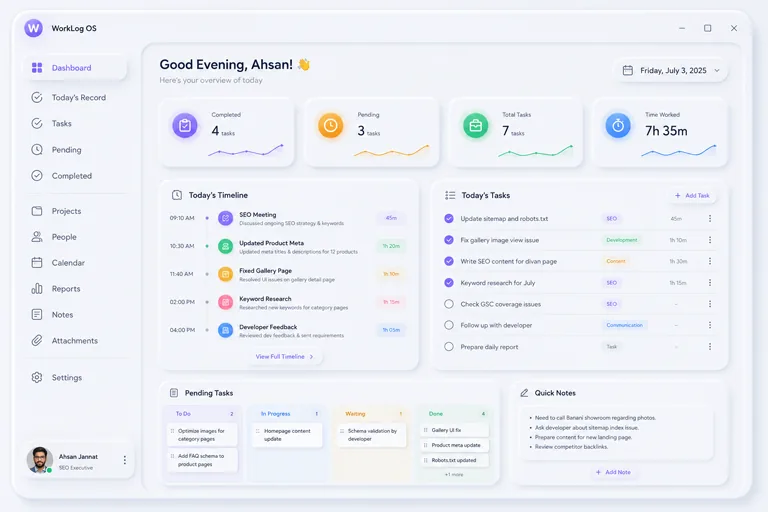 Desktop App

Daily work logging made beautifully simple. Track time, manage tasks, run invoices from tracked hours, and see clear reports — all stored locally, with optional Google Drive backup.
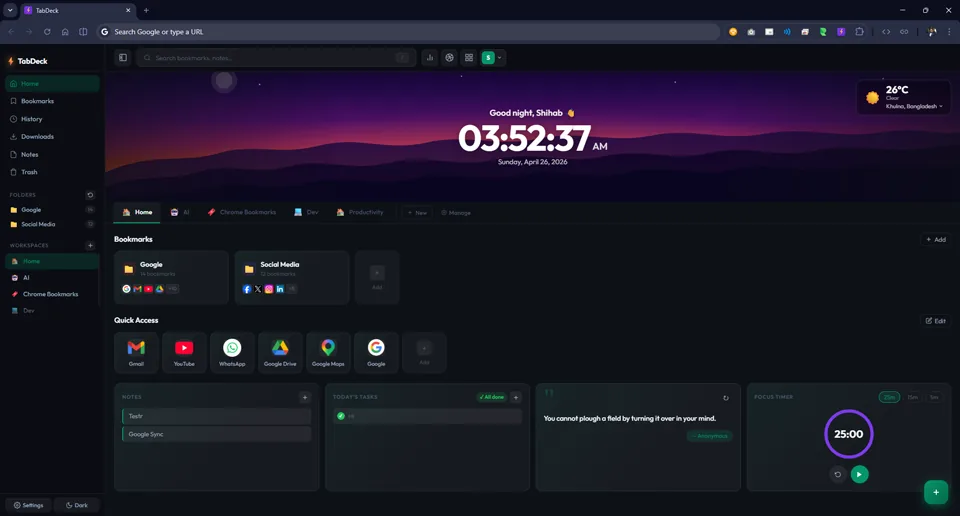 Chrome Extension

A beautiful, feature-packed new tab page for Chrome. Replaces your blank new tab with a personal dashboard — workspaces, bookmarks, notes, tasks, weather and 10 hand-crafted themes.
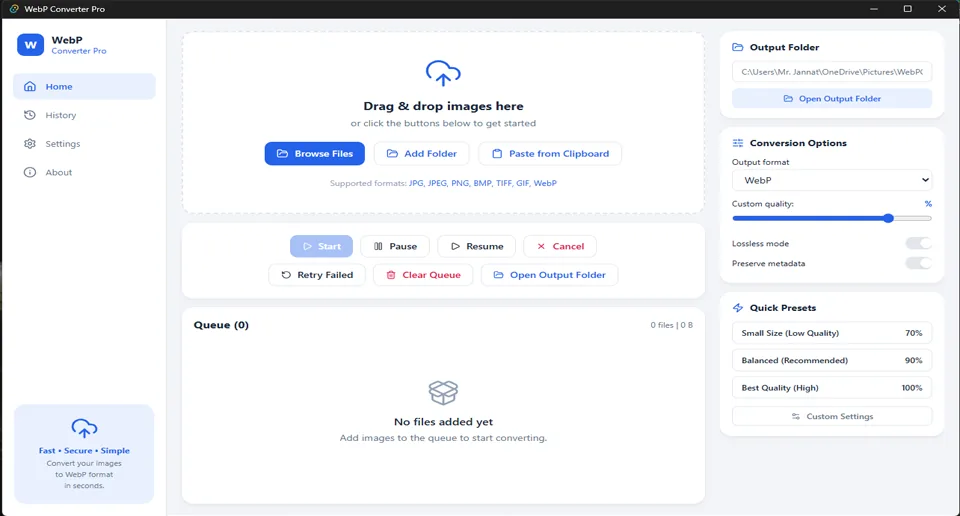 Desktop App

Free, open-source batch image converter for Windows, macOS and Linux. Convert to WebP, AVIF, PNG, JPG, BMP, TIFF or GIF — 100% offline, zero data collection.
More software is on the way.
WorkLog OS and TabDeck are the first tools I'm building to solve problems I run into in my own work. Want to know when the next one ships?
Get in TouchHave an idea worth building?
I'm always open to discussing new projects, tools, and collaborations.
Frequently Asked Questions
Yes — TabDeck, WebP Converter Pro, and WorkLog OS are all free and open source, with source code published on GitHub.
WebP Converter Pro and WorkLog OS are desktop apps for Windows, macOS, and Linux. TabDeck is a Chrome extension.
No. WebP Converter Pro runs 100% offline with zero network calls — every conversion happens entirely on your device, verifiable by reading the source code. WorkLog OS is local-first, keeping your data on your machine.
Every tool links to its GitHub repository from its own page, including the license and an issue tracker for bug reports or feature requests.