What Threads Ads Are
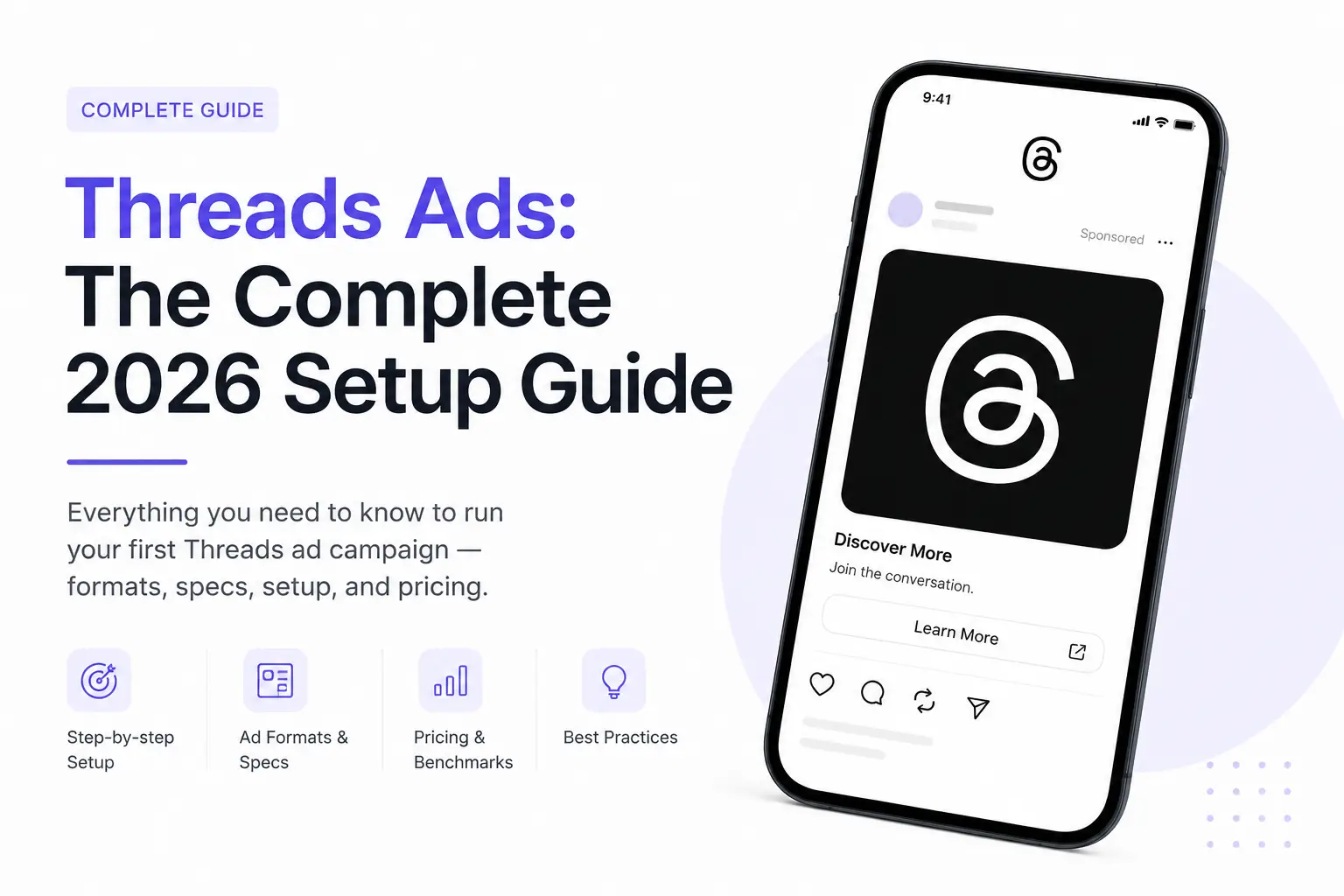
Threads ads are paid placements inside the Threads feed, managed through the same Meta Ads Manager you already use for Facebook and Instagram. They went global in January 2026, and by mid-year Meta had expanded support to carousel and video formats worldwide, alongside the original image ads.
If you already run Meta campaigns, there's no new platform to learn — Threads is a placement, not a separate ad system.
Quick answer: Threads ads run through your existing Meta Ads Manager and Business Account. Enable Threads via Advantage+ Placements, or select it manually, add image/video/carousel creative, and launch — no separate signup required.
Why Now Is the Window
Threads has grown past 400 million monthly active users, but ad demand hasn't caught up with that scale yet. That gap is the opportunity: fewer advertisers bidding on the same inventory keeps CPMs lower than equivalent Instagram Feed or Stories placements right now.
This is the same pattern early adopters saw with Instagram Stories ads in 2017 and Reels ads in 2021 — a genuine early-mover CPM advantage that closes as more brands notice and pile in. Several agencies running early Threads tests have reported cost-per-click well below their Instagram benchmarks for comparable audiences.
How Threads Ads Rolled Out
Threads ads didn't arrive all at once, which is why articles written in different months can seem to disagree. As publicly reported, Meta began testing ads on Threads with a small group of advertisers in January 2025, opened access to advertisers more widely later in 2025, and extended delivery to more markets after that. Formats grew in steps too: images first, then video, then carousels and catalog ads.
The practical lesson is to check Ads Manager for what is available to your account today, because formats, specifications and delivery can differ by market and change quickly.
Requirements & Setup
Before you can run Threads ads, you need:
- An active Meta Business Account with Ads Manager access
- A connected Instagram professional account
- Matching usernames between your Instagram and Threads profiles
Create Your Campaign
In Ads Manager, start a new campaign and choose an objective: Awareness, Traffic, Engagement, Sales, or App Promotion.
Choose Placements
Use Advantage+ Placements to let Meta include Threads automatically, or select Manual Placements and specifically check Threads Feed if you want to isolate spend and results.
Add Creative
Upload image, video, or carousel assets sized for a vertical, text-first feed — treat it as its own placement, not a recycled Instagram Story.
Set a Test Budget
Allocate roughly 10-20% of your core Instagram/Facebook budget, run for 1-2 weeks, then scale based on actual CPM and conversion data.
Ad Formats & Creative Specs
Threads currently supports image, video, carousel, catalog, and app install ads. Practical specs to design against:
- File size: up to 30MB
- Formats: JPG, PNG, or MP4
- Primary text: 80-160 characters performs best — Threads is a text-first feed, so overly long copy gets truncated
- Headline: keep to roughly 40 characters
Worth knowing: Creative that looks native to a text-based, conversational feed outperforms polished, obviously-recycled Instagram ad creative. Threads users scroll for commentary and discussion, not a second Instagram feed.
Threads vs Instagram vs Facebook
| Factor | Threads | ||
|---|---|---|---|
| Current CPM | Lower | Higher | Moderate |
| Ad competition | Low (2026) | High | High |
| Feed format | Text-first | Visual-first | Mixed |
| Setup | Same Ads Manager | Same Ads Manager | Same Ads Manager |
A Creative Checklist for a Text-First Feed
Threads is built around conversation, so creative that feels like part of the feed usually has a better chance than a polished ad that looks pasted in. Test these ideas rather than assuming they work:
- Open with a clear, conversational hook in the first line of text
- Keep visuals simple, with little text on the image because the copy carries the message
- Add captions to video, since many people watch without sound
- Use one clear call to action and send people to a page that matches the ad
- Test a native-looking version against your polished one so your own data decides
Measuring Threads Results
Don't judge Threads by clicks alone. In Ads Manager, open the Breakdown menu and choose By Placement to see Threads feed results next to Instagram and Facebook. Then compare:
- Cost per result, not just CPM or cost per click
- Quality after the click: conversion rate, lead quality and revenue in your own analytics
- Enough volume to trust the numbers. A handful of conversions is noise, not a verdict.
Add UTM parameters to your ad links so Google Analytics can show how Threads visitors behave compared with other sources.
Brand Safety and Placement Controls
Meta has introduced controls, such as AI-powered inventory filters, that let advertisers limit the kind of content their ads can appear next to on Threads. If brand safety matters to your business, check which controls are available in your Ads Manager and set them before you scale.
Best Practices
- Don't just duplicate your Instagram ad set. Build creative specifically for a conversational, text-forward feed.
- Isolate Threads as its own placement for at least the first two weeks so you can read real performance data before folding it into Advantage+.
- Lean into engagement and traffic objectives early — Threads' conversational format tends to reward discussion-style creative over hard-sell product shots.
- Revisit CPMs monthly. The current cost advantage is a function of low advertiser demand, and that will shift as more brands catch on.
A Two-Week Test Plan
| When | What to do | Decision rule |
|---|---|---|
| Before launch | Choose one objective, set up tracking and prepare two or three creatives | Write down the cost per result that would count as a success |
| Days 1–7 | Run Threads as its own placement with a small budget; avoid edits | Don't judge on the first few days |
| Days 8–14 | Review the placement breakdown, creative by creative | Pause clear losers; keep and refine winners |
| After two weeks | Compare with your other placements on cost and quality | Scale only if results hold; otherwise iterate or stop |
Honest Limits to Keep in Mind
Treat Threads as a test, not a sure thing. Ad delivery on a newer placement can be limited, audiences differ from Instagram and Facebook, and early cost advantages may not last as more advertisers arrive. Don't assume your Instagram results will transfer, and don't move a large share of budget before your own data supports it.
Conclusion
Threads ads are one of the rare cases in paid social where the tooling is already mature (it's just Meta Ads Manager) but the competition hasn't arrived yet. That combination doesn't last — the same window existed briefly for Stories in 2017 and Reels in 2021, and it closed within a year or two once performance data got out. Testing a real budget now, while CPMs are still favorable, is the actual opportunity here.
Frequently Asked Questions
Threads ads are paid placements shown in the Threads feed, managed through Meta Ads Manager the same way Facebook and Instagram ads are. They rolled out globally in early 2026 and support image, video, carousel, and catalog formats.
Create a campaign in Meta Ads Manager, choose an objective such as Awareness, Traffic, Engagement, or Sales, then either use Advantage+ Placements (which includes Threads automatically) or manually select Threads Feed as a placement before adding your creative.
Currently, yes, in most verticals. Because fewer advertisers are actively bidding on Threads placements, CPMs tend to run lower than equivalent Instagram Feed or Stories placements, similar to the early advantage seen with Instagram Stories ads and Reels ads when those formats first launched.
No. Threads ads run through your existing Meta Business Account and Ads Manager, using a connected Instagram account with a matching username.
Use the Breakdown menu in Ads Manager and choose By Placement. That shows spend, impressions, clicks and results for the Threads feed separately from Instagram and Facebook, so you can compare cost and quality.
Threads supports image ads, video ads and carousels, and catalog and app ads have been added over time. Formats and specifications change, so check Ads Manager for the options and sizes available when you build the campaign.
Judge it on your own data. Run a small, isolated test long enough to collect meaningful results, compare it with your other placements on cost per result and lead quality, and scale only if the numbers hold.
Want a Threads Campaign Built for You?
I'll set up and manage your first Threads ad campaign, from creative brief to CPM optimization.
Get a Free Meta Ads Consultation