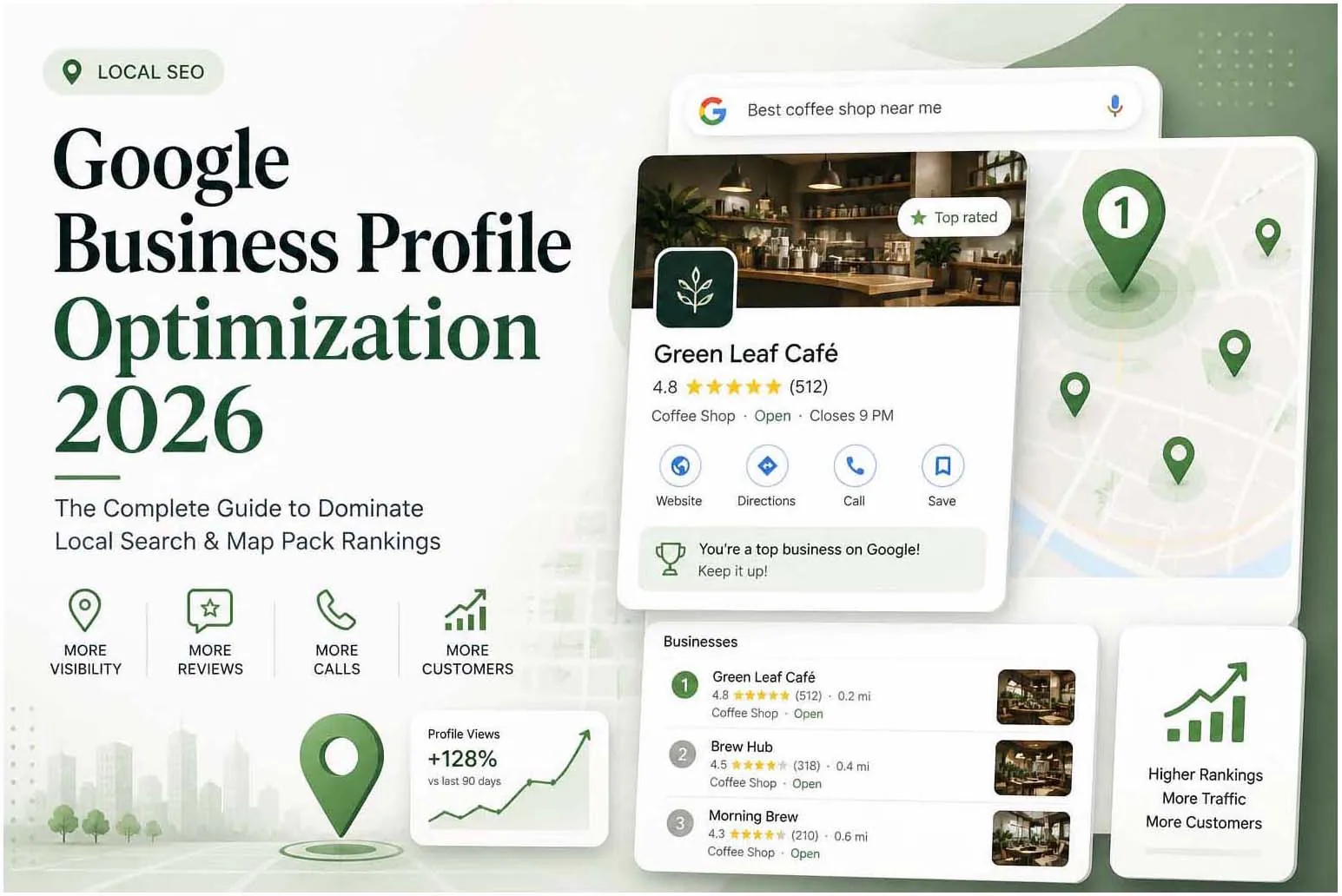
Why GBP is Your #1 Local SEO Asset
For local businesses, your Google Business Profile is more valuable than your website for driving foot traffic and phone calls. Studies show that 46% of all Google searches have local intent — and the businesses in the Map Pack capture the majority of those clicks.
Profile Setup Essentials
- Business name exactly matches your real-world name (no keyword stuffing)
- Primary and secondary categories are accurate and specific
- Address is 100% consistent with your website and all citations
- Phone number is local (not 0800 or tracking numbers as primary)
- Website URL is linked and correct
- Business description uses natural language and includes key services
- Service areas are defined (for service-area businesses)
- Opening hours are accurate and holiday hours are updated
- All relevant services and products are added
- Attributes relevant to your business are selected
Photos & Visual Content
Businesses with more than 100 photos get 520% more calls and 2,717% more direction requests than the average business. Photos are one of the highest-impact GBP optimizations available.
- Cover photo — High-quality image representing your brand, 1080x608px minimum
- Logo — Clean, recognisable, minimum 250x250px
- Interior photos — Show your space, team, and work environment
- Product/service photos — What you sell or provide
- Team photos — Build trust with faces
Pro tip: Add new photos at least once a month. Google rewards active profiles with better local rankings. Use photos taken by a real camera — not screenshots or stock images.
Review Strategy
Reviews are the single biggest factor in Map Pack rankings after proximity and relevance. Here's how to build a sustainable review strategy:
Create a Simple Review Link
Generate your GBP review link from your dashboard. Shorten it and use it in every post-service communication — email, SMS, receipt, invoice.
Ask at the Right Moment
Request a review when the customer is happiest — immediately after a successful service, delivery, or interaction. Timing is everything.
Respond to Every Review
Respond to positive reviews with a personal thank you. Respond to negative reviews professionally, acknowledge the issue, and offer resolution. Never argue publicly.
GBP Posts & Updates
GBP Posts are mini social media posts that appear directly on your profile. They expire after 7 days (Events expire after the event date), so post at least once a week. Use posts for:
- Promotions and offers
- New products or services
- Upcoming events
- News and updates
- Blog post summaries linking back to your website
Q&A Section
The Q&A section is a huge opportunity that most businesses ignore. You can post and answer your own questions — effectively creating an FAQ visible to anyone who finds your profile.
Add the 10 most common questions your customers ask. Answer each one comprehensively. This also helps you appear in voice search results.
Ongoing Maintenance
- Check for spam or incorrect edits to your profile weekly
- Update photos monthly
- Post at least once per week
- Respond to all new reviews within 48 hours
- Update opening hours for holidays and special events
- Monitor your keyword rankings in local results using tools like BrightLocal
Need Help with SEO, AEO or GEO?
Let's build a visibility strategy that works across Google, AI answers and generative search.
Start a Free Consultation