What Are Core Web Vitals?
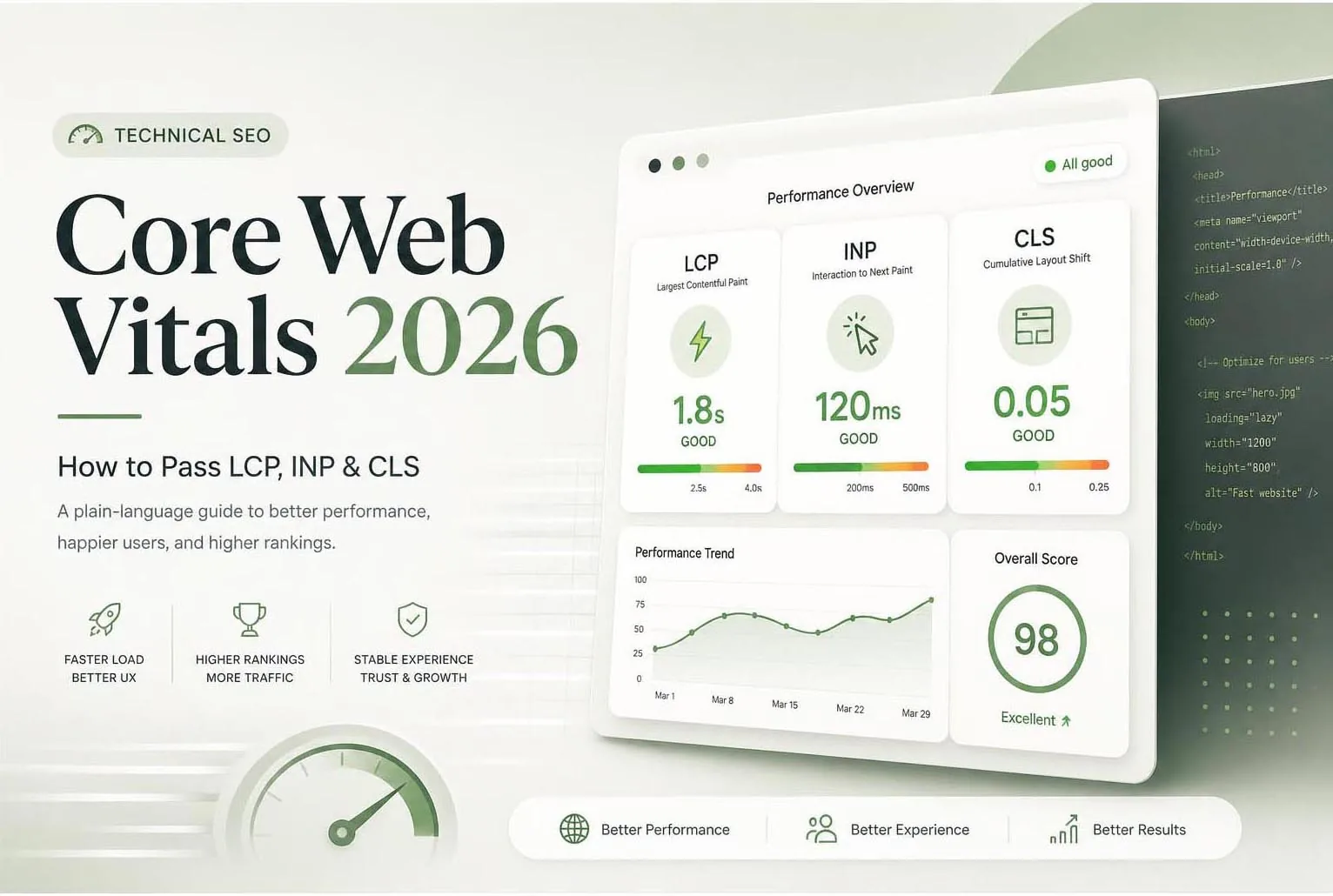
Core Web Vitals (CWV) are a set of three user-experience metrics that Google uses as ranking signals. They measure how fast a page loads its main content, how quickly it responds to user interactions, and how stable the layout is during loading.
In 2024, Google replaced the FID (First Input Delay) metric with INP (Interaction to Next Paint), making the current three metrics: LCP, INP, and CLS.
Quick benchmark: For all three metrics, "Good" = green, "Needs Improvement" = amber, "Poor" = red. Aim for green across all three on both mobile and desktop.
LCP — Largest Contentful Paint
LCP measures how long it takes for the largest visible element (usually a hero image or heading) to load. Target: under 2.5 seconds.
Common LCP culprits and fixes
| Problem | Fix | Impact |
|---|---|---|
| Unoptimised hero image | Convert to WebP, compress, add width/height attributes | High |
| Render-blocking resources | Defer non-critical JS and CSS | High |
| Slow server response (TTFB >600ms) | Upgrade hosting, add CDN, enable server caching | High |
| No preload for LCP image | Add <link rel="preload"> for the LCP element | Medium |
| Late-loaded fonts | Use font-display:swap and preconnect to Google Fonts | Medium |
Single biggest LCP win: Add fetchpriority="high" to your hero image tag. This tells the browser to prioritise loading it above everything else. Takes 30 seconds to implement.
INP — Interaction to Next Paint
INP replaced FID in March 2024. It measures the time from when a user interacts (click, tap, keypress) to when the browser paints the next frame. Target: under 200ms.
What causes high INP
- Long JavaScript tasks blocking the main thread
- Heavy third-party scripts (analytics, chat widgets, ad scripts)
- Inefficient event handlers
- Large DOM size (over 1,500 nodes)
How to fix INP
Audit Third-Party Scripts
Load your page with DevTools Network tab open. Identify which third-party scripts (Google Analytics, Facebook Pixel, chat widgets) are longest-running. Defer or async load all non-critical ones.
Break Up Long Tasks
Any JavaScript task over 50ms blocks the main thread and increases INP. Use Chrome DevTools Performance tab to identify long tasks and split them using setTimeout or scheduler.yield().
Reduce DOM Size
Pages with thousands of DOM nodes are slower to update. Aim for under 1,500 total DOM nodes. Virtualise long lists and remove unused HTML elements.
CLS — Cumulative Layout Shift
CLS measures unexpected layout shifts during page load — when elements move around as the page finishes loading. Target: under 0.1.
Common CLS causes and fixes
- Images without dimensions — Always add width and height attributes to every <img> tag
- Ads and embeds without reserved space — Pre-allocate space with min-height or aspect-ratio CSS
- Web fonts causing FOUT — Use font-display:optional or font-display:swap
- Dynamically injected content — Avoid injecting content above existing content on load
- Animations that affect layout — Use transform and opacity for animations, never top/left/width/height
Tools to Measure Core Web Vitals
| Tool | Data Type | Best For |
|---|---|---|
| Google Search Console | Real user data (CrUX) | Site-wide CWV overview, page groups |
| PageSpeed Insights | Both lab + field data | Per-page diagnosis with recommendations |
| Chrome DevTools | Lab data | Deep diagnosis, identifying specific issues |
| WebPageTest | Lab data | Waterfall analysis, filmstrip view |
| Lighthouse | Lab data | Quick audit with actionable suggestions |
Fix Priority Order
Always fix LCP first — it has the highest SEO impact and the clearest wins. Then CLS (often quick fixes). Then INP (usually requires developer involvement). Start with mobile — Google indexes mobile-first.
Conclusion
Core Web Vitals are a permanent part of Google's ranking algorithm. Sites that consistently score green across LCP, INP, and CLS have a measurable competitive advantage — especially in niches where competitors are slow.
The good news: most CWV issues have straightforward fixes. Run a PageSpeed Insights audit on your three most important pages and tackle the top recommendations first. You'll see measurable improvement within days.
Need Help with SEO, AEO or GEO?
Let's build a visibility strategy that works across Google, AI answers and generative search.
Start a Free Consultation