The Short Answer
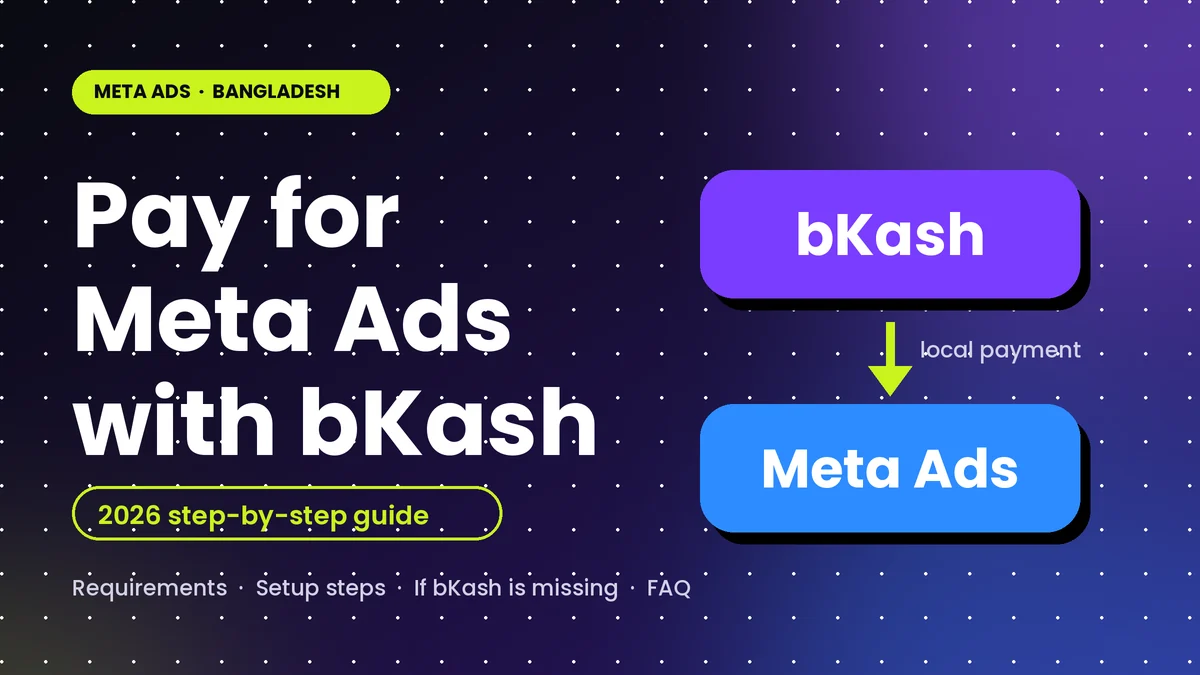
Yes. Since 10 September 2026, businesses in Bangladesh can add bKash as a payment method for Meta ads, so a credit card that can process foreign-currency payments is no longer the only way to advertise on Facebook, Instagram and WhatsApp.
The catch is the rollout. Meta began switching the option on gradually before the official launch, so an ad account only shows bKash if the feature has reached it and the account is set to BDT. This guide shows you how to check that in a couple of minutes, how to add bKash, and what to do if the option is missing.
Quick answer: Open Meta Ads Manager, go to Billing, then Payment settings, then Add payment method. Check that the country is Bangladesh and the currency is BDT, choose bKash, and verify with your bKash number, OTP and PIN. If bKash isn't listed, your ad account probably doesn't have the feature yet, or it isn't a BDT account.
What Changed in September 2026
Until now, paying Meta from Bangladesh meant using a credit card that could handle foreign-currency payments. The launch organisers said only around 3 million such cards are in circulation, which kept many small and first-time advertisers out. bKash, by comparison, has more than 82 million registered users, according to The Business Standard.
The timeline, as reported:
- 10 August 2026: Zoom Bangla News reported that Meta was rolling out bKash payments gradually, with some ad accounts seeing the option before others.
- 10 September 2026: The facility was formally launched at the "Agami: Bangladesh AI Innovation Day" event in Dhaka, as covered by The Business Standard and the Daily Times of Bangladesh.
According to the organisers, advertisers will not face additional charges for payments made through bKash, and the payment goes directly to Meta's advertising account. That is the organisers' statement, so still check your own invoice (see the billing section below).
What You Need Before You Start
- A Meta ad account you control, with enough access to change payment settings. In Business Settings, that is usually admin-level access.
- An ad account in BDT. The Zoom Bangla report notes the bKash option may not appear if the account currency is USD.
- A bKash account with a registered number, because you verify with an OTP and your bKash PIN.
- A backup payment method, if you have one. Meta can pause your ads when a payment fails.
An ad account's currency and time zone are chosen when the account is created, and Meta does not let you simply edit the currency later. If your current account is in USD, the usual route is a new ad account in BDT. More on that in the troubleshooting section.
How to Add bKash to Meta Ads (Step by Step)
These steps combine Meta's general route for adding a payment method (from the Meta Business Help Centre) with the bKash-specific steps reported by Zoom Bangla in August 2026. Meta changes its menus often, so treat the labels as a guide, not a script.
Open Billing in Ads Manager
In Meta Ads Manager, open the menu at the top left, choose All tools, then Billing. On some accounts the same area is labelled Billing & payments.
Go to Payment settings
Select Payment settings for the ad account you want to pay with. Payment methods belong to an ad account, not to your Facebook Page.
Click Add payment method
If you are asked, check that the country is Bangladesh and the currency is BDT. These two settings decide which payment methods you are offered.
Choose bKash
If bKash appears in the list, select it and continue. If it doesn't appear, go to the troubleshooting section below.
Verify with your bKash number, OTP and PIN
Enter your bKash number, then complete verification with the OTP sent to your phone and your bKash PIN. Enter the PIN only inside the official verification step.
On the Meta Ads Manager mobile app
- Open the Meta Ads Manager app and go to Settings.
- Choose Payment methods, then tap Add payment method.
- Check that the country is Bangladesh and the currency is BDT.
- If bKash is listed, select it and complete the OTP and PIN verification.
Check before you launch: after adding bKash, open Payment settings again and confirm which method is set to be charged. Don't assume the new method is the active one.
If bKash Isn't Showing: Why and What to Do
This is the most common problem right now. Work through these checks in order.
| Possible cause | How to check | What to do |
|---|---|---|
| Rollout hasn't reached your ad account | bKash is missing from the list even though country and currency are right | Wait and check again. Look in both desktop Ads Manager and the mobile app. |
| Ad account currency is USD | Look at the currency in your account or Payment settings | Create a new ad account in BDT, then move your assets to it (see below). |
| Wrong billing country | Check the country shown when you add a payment method | Use Bangladesh as the country. |
| Not enough permission | You can't open Payment settings, or the Add button is missing | Ask the business owner or an admin to add the method, or to give you finance-level access. |
If you need a new BDT ad account
Create the new ad account in Business Settings under Accounts, then Ad accounts, and choose BDT and the Bangladesh time zone when you create it, because you generally can't change them afterwards. Then assign your Page, Instagram account and pixel or dataset to the new account. Campaigns and their learning history don't move across, so rebuild them and run the old account until the new one is ready.
bKash vs International Cards vs Agency Top-Ups
| Option | What you need | Strengths | Watch-outs |
|---|---|---|---|
| bKash (new) | A bKash account, a BDT ad account, and the option enabled on your account | Local payment, no foreign-currency card. Organisers say no additional charge. | May not be on every ad account yet. Check taxes on your invoice. |
| International card | A credit or debit card enabled for foreign-currency online payments | Established method that works across account currencies | Few people hold one (about 3 million cards, per the organisers). Bank limits and conversion costs vary, so ask your bank. |
| Agency or reseller top-up | You pay an agency in local currency and they pay Meta | No card needed and hands-off | You rely on a third party. Ask who owns the ad account and who receives the invoices. Fees and markups vary. |
Which should you choose? If this is your first campaign, try bKash first, because it removes the biggest barrier. If the option isn't available on your account yet, a trusted agency can bridge the gap, but keep ownership of your own ad account and business portfolio. If you already have a working card, keep it as a backup method.
Billing Basics That Still Apply
- Charges can come in several parts. On accounts with automatic billing, Meta charges when your ad costs reach a payment threshold, and again on your monthly bill date for what is left. Several smaller charges in one month are normal.
- A failed payment can stop your ads. If a payment doesn't go through, Meta can pause your ads until the amount is paid, so make sure the bKash account you linked can cover the charge.
- Set a spending limit. An account spending limit helps you avoid surprise bills while you learn.
- Check taxes on the invoice. Tax rules for foreign digital advertising in Bangladesh have changed over the years. Look at the tax lines on your Meta invoice and confirm with your accountant. This guide doesn't quote a tax rate.
- Keep your records. Download receipts and invoices from the Billing section for your accounting.
Staying Safe: Scams and Common Mistakes
Never share your bKash PIN or OTP with anyone. You enter them only inside the official verification step while adding the method in Meta Ads Manager.
- Be cautious of anyone who offers to "activate bKash" on your ad account for a fee. The option is enabled by Meta, not by resellers.
- Don't give admin access to your business portfolio to someone you don't know. Give partners only the access they need.
- Make sure you're on Meta's own pages when you add a payment method, and not on a link someone sent you.
- Don't change your ad account's currency by creating lots of accounts without a plan. Each new account starts with no history.
Once Payment Works, Don't Waste the Budget
Payment is only the first hurdle. Most first-time advertisers lose money on setup, not on payment. If you're running your first campaigns, read these in order: the Meta Ads complete guide, then campaign objectives, targeting options, creative strategy and retargeting setup.
If you'd rather have the account, pixel, conversions and first campaign set up properly, see my Meta Ads service in Bangladesh, or start with a free audit.
What I Checked and What I Haven't
Last verified: 31 October 2026. This guide is based on these reports, which I read in full:
- The Business Standard: "Businesses in Bangladesh can now pay for Meta ads via bKash" (10 September 2026)
- Daily Times of Bangladesh: "bKash opens Meta ad payments to small businesses" (10 September 2026)
- Zoom Bangla News: Bangla-language report on adding bKash to Facebook ads, including the gradual rollout and the BDT requirement (10 August 2026)
- Meta Business Help Centre: the general route to add a payment method in Ads Manager
I haven't confirmed any per-transaction limits, whether every ad account type is eligible, or the exact tax treatment on your invoice. Meta and bKash may update these details, so check their official announcements and your own account, and treat this page as a guide that will be updated as details are confirmed.
Frequently Asked Questions
Yes, where the option is available on your ad account. Since 10 September 2026, businesses in Bangladesh can add bKash as a payment method for Meta ads. The option has been rolling out account by account, and your ad account should be set to BDT, so check Billing and Payment settings to see whether bKash is listed.
Not to add bKash, if the option is enabled on your ad account. Before the launch, Bangladeshi advertisers needed a credit card that could process foreign-currency payments. A card can still be a useful backup payment method, because Meta can pause ads when a payment fails.
The launch organisers said advertisers will not face additional charges for payments made through bKash, and that the payment goes directly to the Meta ad account. Taxes are a separate question, so check the tax lines on your Meta invoice and ask your accountant.
The most likely reasons are that the rollout has not reached your ad account yet, or that your ad account currency is not BDT. Also check that the billing country is Bangladesh, that you have permission to change payment settings, and try both desktop Ads Manager and the mobile app.
Meta does not let you simply edit an ad account's currency once it is set. In practice, you create a new ad account in BDT and move your assets to it. Campaigns and their history do not carry over, so plan to rebuild them.
Boosted posts are paid ads that bill through an ad account, so they use that account's payment methods. If bKash has been added to the account, look for it when you confirm the boost. If you don't see it, the account may not have the option yet.
Use only the official flow inside Meta Ads Manager, and enter your bKash PIN and OTP only in the official verification step. Never share them with anyone, and be cautious of resellers who offer to activate bKash on your account for a fee or ask for admin access to your business.
This announcement covers Meta's advertising platforms, and this guide does not cover Google Ads. Check Google's own billing options for your account.
Need Meta Ads Set Up Properly in Bangladesh?
I'll help you set up the ad account, pixel and tracking, and your first campaign, so the budget you pay with bKash actually gets results.
See My Meta Ads Service